
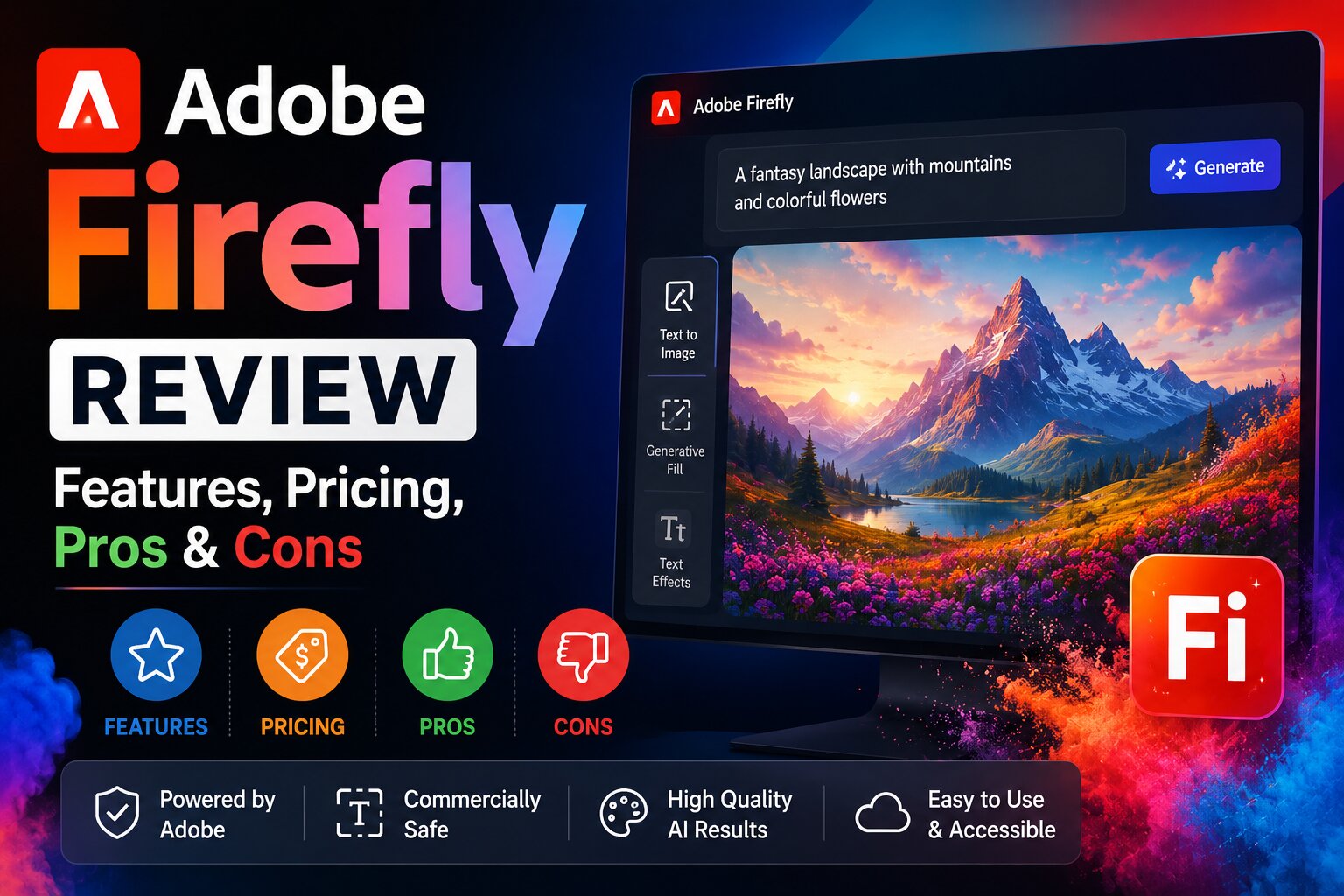
Artificial intelligence has transformed the creative industry, making it easier than ever to generate professional-quality images, illustrations, graphics, and design assets with simple text prompts. Among the leading AI-powered creative tools, Adobe Firefly has quickly become a favorite for designers, marketers, photographers, and content creators.
Built by Adobe, Firefly integrates seamlessly with Creative Cloud applications like Photoshop, Illustrator, and Adobe Express. Whether you’re designing social media graphics, blog images, advertisements, or digital artwork, Firefly provides powerful AI tools while maintaining a workflow that feels familiar to Adobe users.
In this comprehensive review, we’ll explore Adobe Firefly’s features, pricing, free plan, strengths, weaknesses, and whether it’s the right AI image generator for you in 2026.
What is Adobe Firefly?
Adobe Firefly is Adobe’s generative AI platform that allows users to create images, illustrations, text effects, vector graphics, and design elements using natural language prompts.
Instead of spending hours creating graphics manually, users simply describe what they want, and Firefly generates multiple high-quality variations within seconds.
Adobe designed Firefly with creators in mind, focusing on commercially usable content, professional workflows, and seamless integration with its Creative Cloud ecosystem.
Key Features of Adobe Firefly
1. Text-to-Image Generation
Firefly can create stunning AI-generated images from simple text descriptions.
Example prompt:
A luxury beach resort during sunset with palm trees, crystal-clear water, cinematic lighting, ultra-realistic photography.
Within seconds, Firefly generates multiple unique image variations.
2. Generative Fill
One of Firefly’s most popular features is Generative Fill, which allows you to add, remove, or replace objects inside an image using text prompts.
Examples include:
- Remove unwanted people
- Replace the background
- Add furniture to a room
- Extend landscapes
- Insert new objects naturally
- Remove distractions from photos
This feature has become a game changer for photo editing.
3. Generative Expand
Need a wider image for social media or a presentation?
Generative Expand intelligently extends the canvas while matching the original image’s style, lighting, and perspective.
Perfect for:
- YouTube thumbnails
- Website banners
- Instagram posts
- Wallpapers
- Presentation slides
4. Text Effects
Adobe Firefly can generate beautiful typography with creative styles.
Examples include:
- Gold lettering
- Floral text
- Ice effects
- Neon text
- Wooden textures
- Metallic fonts
- Cartoon lettering
This feature is especially useful for logos, posters, and marketing graphics.
5. AI Vector Generation
Firefly can create editable vector graphics that work seamlessly inside Adobe Illustrator.
Ideal for:
- Icons
- Logos
- Infographics
- Stickers
- UI assets
- Branding elements
6. Style Customization
Users can control the look and feel of generated images by selecting options such as:
- Photorealistic
- Watercolor
- Oil painting
- Sketch
- Minimalist
- Fantasy
- Anime-inspired
- 3D illustration
- Digital art
This flexibility helps maintain a consistent visual style across projects.
Adobe Firefly Integration
One of Firefly’s biggest strengths is its integration with Adobe’s creative tools.
It works seamlessly with:
- Photoshop
- Illustrator
- Adobe Express
- Lightroom
- InDesign (selected workflows)
- Creative Cloud Libraries
If you already use Adobe software, Firefly fits naturally into your existing design process.
Pros
- Outstanding image quality
- Excellent AI photo editing
- Powerful Generative Fill
- High-quality typography effects
- Professional design workflow
- Great Creative Cloud integration
- Beginner-friendly interface
- Commercial-friendly approach
- Fast image generation
- Regular feature updates
Cons
- Advanced features often require a paid Creative Cloud subscription.
- Some AI generations may need prompt refinement.
- Best experience is achieved when used alongside Adobe’s ecosystem.
Adobe Firefly Pricing
Adobe Firefly offers both free and paid plans.
Free Plan
The free plan lets users explore AI image generation and several creative features with limited monthly generative credits.
Paid Plans
Paid subscriptions generally provide:
- More monthly AI credits
- Faster generation
- Higher usage limits
- Access to premium Adobe Creative Cloud tools
- Professional editing features
Pricing and included features can change over time, so check Adobe’s latest plans before subscribing.
Is Adobe Firefly Free?
Yes.
Adobe offers a free version that allows users to generate AI images and experiment with many of its core features.
The free plan is suitable for:
- Students
- Bloggers
- Beginners
- Hobbyists
- Small businesses
- Social media creators
Professional designers with heavy usage may eventually benefit from a paid plan.
Best Use Cases
Adobe Firefly is ideal for creating:
- Blog featured images
- YouTube thumbnails
- Social media graphics
- Marketing banners
- Product advertisements
- Book covers
- Presentation slides
- Website hero images
- Digital artwork
- Logo concepts
- UI assets
- Brand illustrations
How to Use Adobe Firefly
Creating AI images is simple.
Step 1
Open Adobe Firefly.
Step 2
Select Text to Image.
Step 3
Write a detailed prompt.
Example:
A futuristic smart city at sunset with flying vehicles, ultra realistic, cinematic lighting, 8K.
Step 4
Choose your preferred style.
Step 5
Generate multiple image variations.
Step 6
Edit the image if necessary.
Step 7
Download your final design.
Prompt Examples
Product Photography
Luxury perfume bottle on black marble with dramatic studio lighting, premium commercial photography.
Fantasy Art
Ancient floating castle above the clouds with magical waterfalls, ultra detailed fantasy illustration.
Nature
Snow-covered mountain lake during sunrise with crystal-clear reflections, photorealistic landscape photography.
Food
Delicious Italian pizza on a rustic wooden table with warm restaurant lighting, food photography.
Social Media
Modern digital marketing workspace with laptop, smartphone, graphs, blue neon lighting, realistic office.
Tips for Better Results
To generate stunning images:
- Write descriptive prompts.
- Mention the art style.
- Specify lighting conditions.
- Include camera angles.
- Describe the mood.
- Mention colors.
- Add quality terms such as:
- ultra realistic
- cinematic
- highly detailed
- 8K
- professional photography
- studio lighting
Detailed prompts consistently produce better results.
Adobe Firefly vs ChatGPT Image Generator
| Feature | Adobe Firefly | ChatGPT Image Generator |
|---|---|---|
| Image Quality | ⭐⭐⭐⭐⭐ | ⭐⭐⭐⭐⭐ |
| Prompt Understanding | ⭐⭐⭐⭐☆ | ⭐⭐⭐⭐⭐ |
| Image Editing | ⭐⭐⭐⭐⭐ | ⭐⭐⭐⭐⭐ |
| Commercial Workflow | ⭐⭐⭐⭐⭐ | ⭐⭐⭐⭐☆ |
| Typography | ⭐⭐⭐⭐⭐ | ⭐⭐⭐⭐☆ |
| Ease of Use | ⭐⭐⭐⭐☆ | ⭐⭐⭐⭐⭐ |
Best Choice:
- Choose Adobe Firefly if you work heavily with Adobe Creative Cloud or need advanced design workflows.
- Choose ChatGPT Image Generator if you want exceptional prompt understanding, versatile image generation, and conversational image editing.
Adobe Firefly vs Microsoft Designer
| Feature | Adobe Firefly | Microsoft Designer |
|---|---|---|
| AI Image Quality | ⭐⭐⭐⭐⭐ | ⭐⭐⭐⭐☆ |
| Graphic Design Templates | ⭐⭐⭐⭐☆ | ⭐⭐⭐⭐⭐ |
| Editing Features | ⭐⭐⭐⭐⭐ | ⭐⭐⭐⭐☆ |
| Commercial Design | ⭐⭐⭐⭐⭐ | ⭐⭐⭐⭐☆ |
| Beginner Friendly | ⭐⭐⭐⭐☆ | ⭐⭐⭐⭐⭐ |
Microsoft Designer is easier for beginners, while Adobe Firefly offers more advanced creative control.
Alternatives to Adobe Firefly
If you’re exploring other AI image generators, consider:
- ChatGPT Image Generator
- Microsoft Designer
- Canva AI
- Leonardo AI
- Ideogram AI
- Playground AI
- Pixlr AI
- Mage.Space
- Craiyon
Each tool has its own strengths, so the best choice depends on whether you prioritize design workflows, realistic images, typography, or ease of use.
Frequently Asked Questions
Is Adobe Firefly free?
Yes. Adobe Firefly offers a free plan with limited AI generation credits, making it easy to explore its core features.
Can I use Adobe Firefly for commercial projects?
Adobe has positioned Firefly for commercial-friendly creative workflows, but you should always review the latest licensing terms before using AI-generated assets in client or business work.
Does Adobe Firefly work with Photoshop?
Yes. Firefly powers several AI features inside Adobe Photoshop, including the popular Generative Fill and Generative Expand tools.
Is Adobe Firefly good for beginners?
Yes. Its interface is straightforward, though users already familiar with Adobe products will benefit the most from its integrated workflow.
Which is better: Adobe Firefly or Canva AI?
If you need advanced creative editing and professional design capabilities, Adobe Firefly is the stronger choice. Canva AI is a great option for quick social media graphics and template-based designs.
Final Verdict
Adobe Firefly is one of the most powerful AI image generation platforms available in 2026. Its combination of high-quality text-to-image generation, advanced editing features like Generative Fill and Generative Expand, and seamless integration with Adobe Creative Cloud makes it an excellent choice for professionals and serious content creators.
While the free plan is enough for learning and occasional projects, designers who rely on AI every day will appreciate the added capabilities of Adobe’s paid ecosystem.
If your workflow already includes Photoshop, Illustrator, or Adobe Express, Firefly is a natural addition that can significantly speed up creative work while maintaining professional-quality results.