
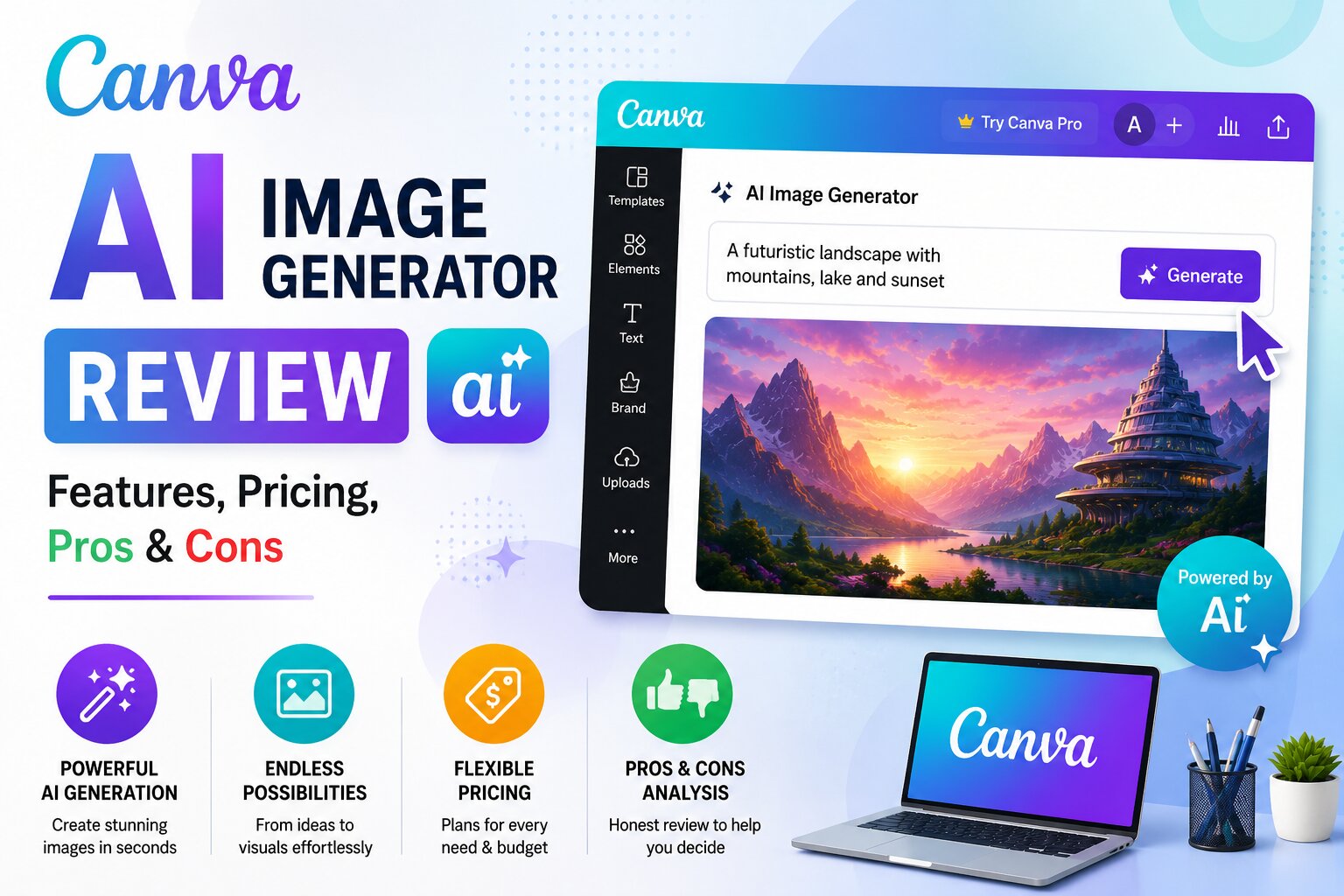
Artificial intelligence has made graphic design more accessible than ever, and Canva AI Image Generator is one of the easiest tools for beginners and professionals alike. Whether you’re designing social media posts, YouTube thumbnails, blog banners, presentations, or marketing materials, Canva combines AI-powered image generation with its popular drag-and-drop editor.
Unlike standalone AI image generators, Canva lets you create, edit, and publish complete designs from a single platform. This makes it an excellent choice for bloggers, content creators, business owners, marketers, teachers, and students.
In this detailed review, we’ll explore Canva AI Image Generator’s features, pricing, free plan, strengths, limitations, and whether it’s worth using in 2026.
What is Canva AI Image Generator?
Canva AI Image Generator is part of Canva’s Magic Media suite of AI tools. It allows users to create unique images from simple text prompts without requiring any design experience.
For example, you can type:
A cozy mountain cabin covered in snow at sunrise, realistic photography, warm lighting, ultra detailed.
Within seconds, Canva generates multiple AI-created images that you can instantly use inside your designs.
Unlike many AI image tools, Canva lets you edit the generated image immediately by adding text, icons, animations, stickers, backgrounds, and other design elements.
Key Features
1. AI Text-to-Image Generator
Describe your idea, and Canva creates multiple image variations.
Supported styles include:
- Photorealistic
- Watercolor
- Sketch
- Anime
- Digital Art
- 3D Render
- Minimalist
- Oil Painting
- Cartoon
2. Magic Media
Magic Media is Canva’s AI-powered content creation suite.
It helps users create:
- Images
- Graphics
- Videos
- Animations
- Design elements
This makes Canva much more than just an AI image generator.
3. Drag-and-Drop Editor
After generating an image, you can immediately customize it.
Available editing tools include:
- Text
- Icons
- Shapes
- Frames
- Backgrounds
- Stickers
- Filters
- Effects
- Animations
Everything works inside Canva’s simple visual editor.
4. Millions of Templates
Canva includes professionally designed templates for almost every purpose.
Popular categories include:
- Instagram Posts
- Facebook Ads
- YouTube Thumbnails
- Pinterest Pins
- Presentations
- Business Cards
- Flyers
- Posters
- Brochures
- Infographics
5. Brand Kit
Businesses can maintain consistent branding by saving:
- Logos
- Fonts
- Brand Colors
- Templates
- Graphics
This is especially useful for marketing teams and agencies.
6. Background Remover
Canva’s AI can remove image backgrounds with a single click, making it perfect for:
- Product photography
- Profile pictures
- Marketing creatives
- E-commerce listings
7. Magic Resize
Need the same design for different platforms?
Magic Resize automatically adjusts your design for:
- YouTube
- TikTok
- Stories
- Posters
This saves significant time for social media managers.
Pros
- Extremely beginner-friendly
- Excellent design templates
- Fast AI image generation
- Powerful drag-and-drop editor
- Supports team collaboration
- Cloud-based (no software installation)
- Large library of stock assets
- Easy sharing and exporting
- Great for social media content
Cons
- Free AI image generation is limited.
- Some advanced features require Canva Pro.
- Complex artistic prompts may produce less detailed results than specialized AI art tools.
Canva AI Pricing
Canva offers both free and premium plans.
Free Plan
The free version includes:
- Basic AI image generation
- Thousands of templates
- Basic editing tools
- Cloud storage
- Collaboration features
Canva Pro
Upgrading unlocks:
- Higher AI generation limits
- Premium templates
- Brand Kit
- Magic Resize
- Premium stock photos
- Advanced editing tools
- More cloud storage
Is Canva AI Free?
Yes.
Canva provides a free version that includes AI image generation with certain usage limits.
It’s ideal for:
- Bloggers
- Students
- Teachers
- Small businesses
- Social media creators
- Freelancers
Heavy users may benefit from Canva Pro.
Best Use Cases
Canva AI is excellent for creating:
- Blog featured images
- YouTube thumbnails
- Instagram posts
- Facebook ads
- Pinterest graphics
- Presentation slides
- Business flyers
- Event invitations
- Product promotions
- Marketing banners
How to Use Canva AI Image Generator
Step 1
Open Canva and create a new design.
Step 2
Select Magic Media or Text to Image.
Step 3
Enter a detailed prompt.
Example:
A futuristic workspace with holographic screens, realistic lighting, modern office, ultra detailed.
Step 4
Choose an art style.
Step 5
Click Generate.
Step 6
Select your favorite image.
Step 7
Customize it using Canva’s editor.
Step 8
Download your final design.
Prompt Examples
Blog Image
Modern home office with laptop, coffee mug, indoor plants, realistic photography, soft lighting.
Social Media
Young entrepreneur working on a laptop with colorful digital marketing graphics, vibrant illustration.
Product Advertisement
Premium wireless earbuds on a white marble surface with studio lighting, commercial product photography.
Fantasy Artwork
Magical floating island with waterfalls, glowing trees, fantasy digital painting, ultra detailed.
Tips for Better Results
To create higher-quality AI images:
- Be specific about your subject.
- Mention the desired art style.
- Describe lighting conditions.
- Include background details.
- Specify colors and mood.
- Add quality keywords like:
- ultra realistic
- cinematic
- detailed
- professional photography
- vibrant colors
- soft lighting
Canva AI vs Microsoft Designer
| Feature | Canva AI | Microsoft Designer |
|---|---|---|
| AI Image Quality | ⭐⭐⭐⭐☆ | ⭐⭐⭐⭐☆ |
| Templates | ⭐⭐⭐⭐⭐ | ⭐⭐⭐⭐⭐ |
| Ease of Use | ⭐⭐⭐⭐⭐ | ⭐⭐⭐⭐⭐ |
| Editing Tools | ⭐⭐⭐⭐⭐ | ⭐⭐⭐⭐☆ |
| Team Collaboration | ⭐⭐⭐⭐⭐ | ⭐⭐⭐⭐☆ |
| Brand Kit | ⭐⭐⭐⭐⭐ | ⭐⭐⭐⭐☆ |
Both tools are excellent for beginners, but Canva offers a larger template library and stronger collaboration features.
Canva AI vs Adobe Firefly
| Feature | Canva AI | Adobe Firefly |
|---|---|---|
| AI Image Generation | ⭐⭐⭐⭐☆ | ⭐⭐⭐⭐⭐ |
| Graphic Design | ⭐⭐⭐⭐⭐ | ⭐⭐⭐⭐☆ |
| Templates | ⭐⭐⭐⭐⭐ | ⭐⭐⭐⭐☆ |
| Photo Editing | ⭐⭐⭐⭐☆ | ⭐⭐⭐⭐⭐ |
| Professional Workflow | ⭐⭐⭐⭐☆ | ⭐⭐⭐⭐⭐ |
| Beginner Friendly | ⭐⭐⭐⭐⭐ | ⭐⭐⭐⭐☆ |
Canva excels in complete design creation, while Adobe Firefly offers more advanced AI-powered editing tools.
Alternatives
If Canva AI doesn’t meet your needs, consider these alternatives:
- ChatGPT Image Generator
- Microsoft Designer
- Adobe Firefly
- Leonardo AI
- Ideogram AI
- Playground AI
- Pixlr AI
- Mage.Space
- Craiyon
Frequently Asked Questions
Is Canva AI Image Generator free?
Yes. Canva offers a free version with AI image generation, though usage limits apply.
Can I use Canva AI images for commercial projects?
Canva supports commercial use in many cases, but you should always review its latest licensing terms before using AI-generated content for client work or commercial products.
Does Canva AI work on mobile devices?
Yes. Canva is available on web browsers, Android, and iOS, allowing you to create AI-generated designs across devices.
Is Canva AI good for beginners?
Absolutely. Canva’s intuitive interface and drag-and-drop editor make it one of the easiest AI design platforms to learn.
Which is better: Canva AI or Adobe Firefly?
If you need quick, template-based designs for social media and presentations, Canva AI is an excellent choice. For advanced AI editing and deeper integration with professional creative software, Adobe Firefly is stronger.
Final Verdict
Canva AI Image Generator is one of the best all-in-one AI design platforms available in 2026. It combines AI-powered image generation with a powerful drag-and-drop editor, thousands of templates, and collaboration features that make design accessible to everyone.
Whether you’re creating blog graphics, YouTube thumbnails, business presentations, or social media posts, Canva provides an efficient workflow that eliminates the need for multiple design tools.
For beginners and everyday content creators, Canva AI is one of the easiest and most practical AI image generators available.