
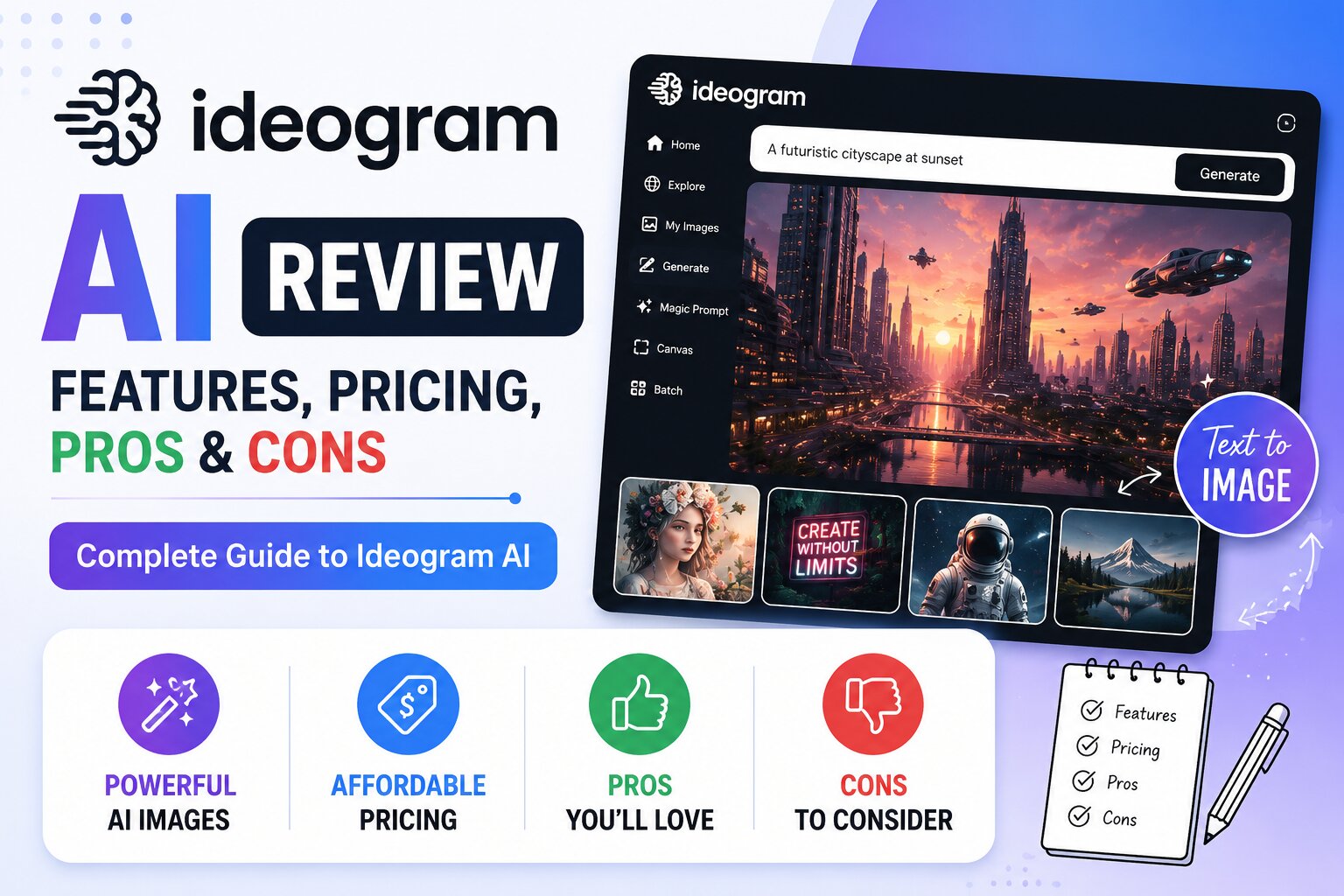
Artificial intelligence has made image creation easier than ever, but one challenge has remained difficult for many AI image generators—creating images with accurate, readable text. This is where Ideogram AI stands out from the competition.
Unlike many AI image generators that struggle with typography, Ideogram AI excels at producing high-quality visuals that include logos, posters, advertisements, social media graphics, product labels, and other designs with clear, correctly spelled text.
Whether you’re a graphic designer, blogger, marketer, entrepreneur, or content creator, Ideogram AI offers a simple yet powerful way to create professional-looking images from text prompts.
In this comprehensive review, we’ll explore Ideogram AI’s features, pricing, free plan, strengths, weaknesses, and whether it’s worth using in 2026.
What is Ideogram AI?
Ideogram AI is an AI-powered text-to-image generator that creates original images using natural language prompts. Its biggest advantage is its ability to generate images containing readable and well-formatted text, making it an excellent choice for branding and marketing projects.
Instead of using separate design software to add text after generating an image, you can instruct Ideogram AI to include the text directly within the design.
It is commonly used for:
- Logo concepts
- Posters
- T-shirt designs
- Book covers
- Product packaging
- Business advertisements
- YouTube thumbnails
- Social media graphics
- Quotes
- Event flyers
Key Features of Ideogram AI
1. AI Text-to-Image Generation
Simply describe your idea, and Ideogram AI generates multiple unique image variations.
Example:
A modern coffee shop logo with the text “Morning Brew”, minimalist style, black and gold colors, vector illustration.
The AI creates designs with both artwork and readable text.
2. Excellent Text Rendering
This is Ideogram AI’s biggest strength.
Unlike many competitors, it can generate:
- Company names
- Quotes
- Headlines
- Product names
- Slogans
- Brand text
- Typography
- Lettering
with impressive accuracy.
This makes it one of the best AI tools for graphic design.
3. Multiple Artistic Styles
Ideogram AI supports various creative styles, including:
- Photorealistic
- Digital Art
- Flat Illustration
- Anime
- Watercolor
- Oil Painting
- Sketch
- Fantasy
- 3D Render
- Minimalist
4. Magic Prompt
One of Ideogram AI’s unique features is Magic Prompt.
This feature automatically enhances short prompts by adding descriptive details, helping users generate more visually appealing images without requiring advanced prompt-writing skills.
5. Image Remix
Users can generate new variations based on existing AI-generated images.
This is helpful for:
- Improving concepts
- Testing multiple designs
- Exploring different styles
- Refining branding ideas
6. High-Resolution Downloads
Ideogram AI allows users to download high-quality images suitable for:
- Websites
- Social media
- Presentations
- Print projects
- Marketing campaigns
7. Fast Image Generation
Most images are generated within seconds, making Ideogram AI suitable for creators who need quick results.
Pros
- Excellent text generation inside images
- Beginner-friendly interface
- High-quality artwork
- Fast image generation
- Multiple creative styles
- Magic Prompt improves prompts automatically
- Free plan available
- Great for branding and marketing
- High-resolution downloads
Cons
- Free plan includes daily usage limits.
- Advanced features are available on paid plans.
- Fewer editing tools compared to some competitors.
Ideogram AI Pricing
Ideogram AI offers both free and paid plans.
Free Plan
The free version includes:
- Daily image generations
- Multiple art styles
- Magic Prompt
- Basic downloads
Paid Plans
Premium subscriptions generally offer:
- More image generations
- Faster processing
- Higher-resolution downloads
- Priority generation
- Additional creative features
Pricing and features may change, so check Ideogram AI’s official website for the latest information.
Is Ideogram AI Free?
Yes.
Ideogram AI offers a free plan that allows users to create AI-generated images every day.
It’s an excellent option for:
- Students
- Bloggers
- Designers
- Entrepreneurs
- Content creators
- Small businesses
Best Use Cases
Ideogram AI works especially well for creating:
- Logos
- Posters
- T-shirt graphics
- Business advertisements
- Social media posts
- Book covers
- Quote graphics
- Product labels
- Website banners
- YouTube thumbnails
- Event invitations
How to Use Ideogram AI
Using Ideogram AI is simple.
Step 1
Create an Ideogram AI account.
Step 2
Open the image generator.
Step 3
Enter a detailed prompt.
Example:
Modern gaming logo with the text “Next Level Gaming”, neon blue lighting, futuristic typography, black background.
Step 4
Choose your preferred art style.
Step 5
Generate multiple image variations.
Step 6
Select your favorite result.
Step 7
Download the final image.
Prompt Examples
Logo
Modern fitness logo with the text “Power Gym”, bold typography, red and black colors, minimalist vector design.
Poster
Travel poster featuring Paris with elegant typography, vintage illustration, soft pastel colors.
Book Cover
Mystery novel cover with the title “The Hidden Truth”, dark forest background, cinematic lighting.
Product Label
Organic honey jar label with the text “Pure Nature Honey”, yellow floral theme, premium packaging.
YouTube Thumbnail
Technology-themed YouTube thumbnail with the text “Top 10 AI Tools”, bold colorful typography, futuristic background.
Tips for Better Results
To create better AI-generated images:
- Clearly describe the subject.
- Specify the exact text you want included.
- Mention the art style.
- Include color preferences.
- Describe the background.
- Mention lighting.
- Use quality keywords like:
- ultra detailed
- vector illustration
- realistic
- cinematic
- minimal
- professional design
The more detailed your prompt, the better the output.
Ideogram AI vs ChatGPT Image Generator
| Feature | Ideogram AI | ChatGPT Image Generator |
|---|---|---|
| Image Quality | ⭐⭐⭐⭐⭐ | ⭐⭐⭐⭐⭐ |
| Prompt Understanding | ⭐⭐⭐⭐☆ | ⭐⭐⭐⭐⭐ |
| Text in Images | ⭐⭐⭐⭐⭐ | ⭐⭐⭐⭐☆ |
| Graphic Design | ⭐⭐⭐⭐⭐ | ⭐⭐⭐⭐☆ |
| Ease of Use | ⭐⭐⭐⭐⭐ | ⭐⭐⭐⭐⭐ |
If your priority is creating images with readable text, Ideogram AI is one of the strongest choices available.
Ideogram AI vs Leonardo AI
| Feature | Ideogram AI | Leonardo AI |
|---|---|---|
| Typography | ⭐⭐⭐⭐⭐ | ⭐⭐⭐☆☆ |
| Logo Design | ⭐⭐⭐⭐⭐ | ⭐⭐⭐⭐☆ |
| Concept Art | ⭐⭐⭐⭐☆ | ⭐⭐⭐⭐⭐ |
| Character Design | ⭐⭐⭐⭐☆ | ⭐⭐⭐⭐⭐ |
| Marketing Graphics | ⭐⭐⭐⭐⭐ | ⭐⭐⭐⭐☆ |
Leonardo AI is better suited for concept art and digital illustrations, while Ideogram AI excels at branding and typography-focused designs.
Alternatives
If Ideogram AI isn’t the right fit, consider these alternatives:
- ChatGPT Image Generator
- Adobe Firefly
- Canva AI
- Microsoft Designer
- Leonardo AI
- Playground AI
- Pixlr AI
- Mage.Space
- Craiyon
Each platform has different strengths depending on whether you need realistic images, text rendering, photo editing, or design templates.
Frequently Asked Questions
Is Ideogram AI free?
Yes. Ideogram AI provides a free plan with daily image generation limits, making it easy to try the platform before upgrading.
Why is Ideogram AI popular?
Ideogram AI is best known for generating images with clear, readable text, which is an area where many AI image generators have traditionally struggled.
Can I create logos using Ideogram AI?
Yes. Ideogram AI is an excellent choice for creating logo concepts, brand names, slogans, and typography-based designs.
Can I use Ideogram AI commercially?
Commercial use depends on the plan you choose and Ideogram AI’s current licensing terms. Always review the latest terms before using AI-generated images in business or client projects.
Which is better: Ideogram AI or Canva AI?
If your focus is typography, logos, or posters with embedded text, Ideogram AI is generally stronger. If you want an all-in-one design platform with templates and editing tools, Canva AI is a better fit.
Final Verdict
Ideogram AI has established itself as one of the best AI image generators for typography and branding in 2026. Its ability to create images with accurate, readable text gives it a significant advantage over many competitors, especially for designers, marketers, entrepreneurs, and content creators.
Combined with its beginner-friendly interface, Magic Prompt feature, multiple artistic styles, and free plan, Ideogram AI is an excellent tool for anyone looking to create professional marketing graphics, logos, posters, and social media content quickly.
If your projects depend on combining attractive visuals with clean typography, Ideogram AI deserves a place at the top of your AI toolkit.