
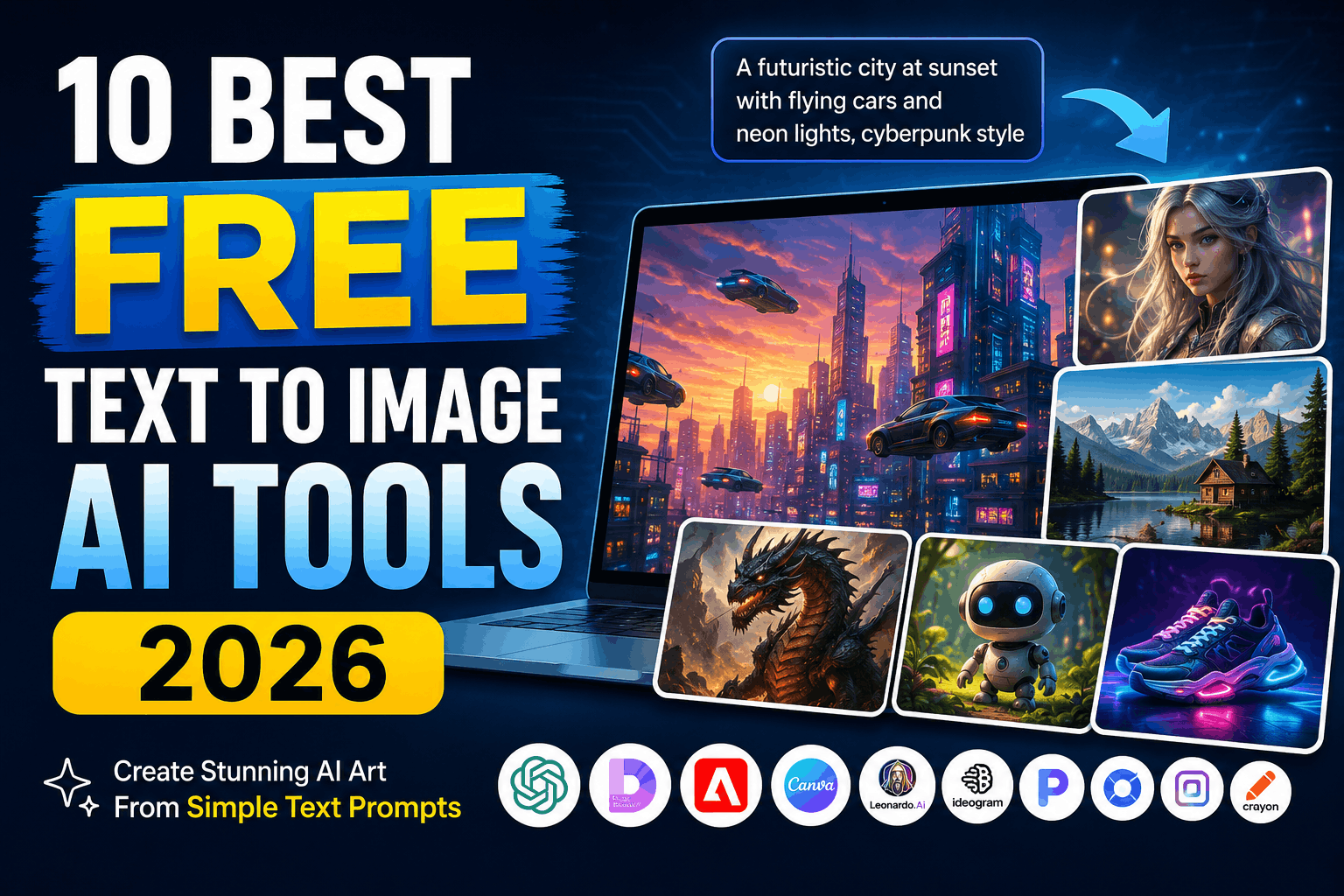
Artificial Intelligence has completely changed the way we create images. Whether you’re a blogger, YouTuber, graphic designer, digital marketer, or just someone who loves creating unique artwork, text-to-image AI tools can generate stunning visuals from a simple text prompt in seconds.
The best part? Many of these AI image generators offer free plans that are more than enough for personal projects and content creation.
In this guide, we’ll explore the 10 best free text-to-image AI tools in 2026, comparing their features, strengths, limitations, and who they’re best suited for.
What is a Text-to-Image AI Tool?
A text-to-image AI tool uses artificial intelligence to convert written descriptions (called prompts) into images.
For example, if you type:
“A futuristic city at sunset with flying cars and neon lights in cyberpunk style.”
The AI creates an original image based on your description within seconds.
These tools are commonly used for:
- Blog featured images
- YouTube thumbnails
- Social media posts
- Logos and icons
- Marketing creatives
- Digital artwork
- Game assets
- Book illustrations
- Wallpapers
- Product mockups
1. ChatGPT Image Generator (GPT Image)
Best for: High-quality realistic and creative images
ChatGPT’s built-in image generation has become one of the most powerful AI image creators available. It understands complex prompts, follows instructions accurately, and generates photorealistic or artistic images.
Pros
- Excellent prompt understanding
- Highly detailed images
- Great for marketing creatives
- Supports image editing
- Fast generation
Cons
- Free users have daily limits
Free Plan: Yes
2. Microsoft Designer (Image Creator)
Best for: Beginners
Microsoft Designer uses OpenAI’s image model and provides a clean interface that’s perfect for people new to AI image generation.
Features
- Easy to use
- Fast image generation
- Multiple image variations
- Great for social media graphics
Pros
- Free credits available
- Beginner-friendly
- Good image quality
3. Adobe Firefly
Best for: Commercial design work
Adobe Firefly is designed for creators who want commercially safer AI-generated images.
Highlights
- Excellent typography
- High-quality illustrations
- Commercial-friendly generation
- Works well with Photoshop and Illustrator
Pros
- Professional output
- Strong editing tools
- Great for designers
Cons
- Limited free generations
4. Canva AI Image Generator
Best for: Social media creators
Canva combines AI image generation with its powerful drag-and-drop editor.
You can instantly create:
- Instagram posts
- YouTube thumbnails
- Facebook ads
- Posters
- Presentations
Pros
- Beginner-friendly
- Thousands of templates
- Built-in editing tools
5. Leonardo AI
Best for: Game assets and concept art
Leonardo AI has become a favorite among game developers and digital artists.
Features
- Character generation
- Concept art
- Fantasy artwork
- 3D-style illustrations
- Consistent character creation
Pros
- Daily free tokens
- Excellent image quality
- Powerful customization
6. Ideogram AI
Best for: AI images with readable text
Most AI image generators struggle with text inside images.
Ideogram solves this problem better than most competitors.
Perfect for
- Logos
- Posters
- Book covers
- Advertisements
- Quotes
- Product labels
Pros
- Excellent typography
- High-quality artwork
- Free daily generations
7. Playground AI
Best for: Content creators
Playground AI offers a generous free plan and includes useful editing features.
Features
- Image generation
- AI editing
- Object removal
- Background replacement
- Image expansion
Pros
- Generous free usage
- Easy interface
- Great editing options
8. Pixlr AI Image Generator
Best for: Quick online editing
Pixlr is well-known for online photo editing, and its AI image generator adds even more creative possibilities.
Features
- Browser-based
- Fast generation
- Built-in editor
- AI background removal
Pros
- No software installation
- Easy workflow
- Fast results
9. Mage.Space
Best for: Unlimited experimentation
Mage.Space offers a simple interface and allows users to experiment with different AI models.
Pros
- Free usage
- Multiple art styles
- Fast generation
- Great for creative exploration
Best For
- Hobbyists
- Artists
- Students
10. Craiyon
Best for: Completely free AI image generation
Craiyon (formerly DALL·E Mini) remains one of the easiest free AI image generators.
While image quality isn’t as high as premium tools, it’s perfect for quick ideas and experiments.
Pros
- Completely free
- No complicated setup
- Unlimited experimentation
Cons
- Lower image quality
- Slower generation
Comparison Table
| Tool | Free Plan | Best For | Quality |
|---|---|---|---|
| ChatGPT Image Generator | ✅ Yes | Overall Best | ⭐⭐⭐⭐⭐ |
| Microsoft Designer | ✅ Yes | Beginners | ⭐⭐⭐⭐☆ |
| Adobe Firefly | ✅ Limited | Designers | ⭐⭐⭐⭐⭐ |
| Canva AI | ✅ Limited | Social Media | ⭐⭐⭐⭐☆ |
| Leonardo AI | ✅ Daily Credits | Concept Art | ⭐⭐⭐⭐⭐ |
| Ideogram AI | ✅ Yes | Text in Images | ⭐⭐⭐⭐⭐ |
| Playground AI | ✅ Yes | Content Creators | ⭐⭐⭐⭐☆ |
| Pixlr AI | ✅ Yes | Quick Editing | ⭐⭐⭐⭐☆ |
| Mage.Space | ✅ Yes | AI Art | ⭐⭐⭐⭐☆ |
| Craiyon | ✅ Yes | Free Experiments | ⭐⭐⭐☆☆ |
How to Choose the Best AI Image Generator
Choose the right tool based on your needs:
- For YouTube thumbnails: ChatGPT Image Generator, Canva AI
- For blog images: Microsoft Designer, Playground AI
- For realistic images: ChatGPT Image Generator, Leonardo AI
- For logos: Ideogram AI
- For digital artwork: Leonardo AI, Mage.Space
- For marketing materials: Adobe Firefly
- For beginners: Microsoft Designer, Canva AI
- For free unlimited practice: Craiyon
Tips for Better AI Image Prompts
Getting great AI-generated images depends largely on writing effective prompts. Here are a few tips:
- Be specific about the subject.
- Mention the art style (realistic, watercolor, anime, cyberpunk, etc.).
- Describe the lighting (golden hour, cinematic, soft lighting).
- Include camera angles if needed (close-up, aerial view, portrait).
- Specify colors, mood, and background.
- Mention image quality (8K, ultra-detailed, photorealistic).
Example Prompt
A photorealistic golden retriever sitting beside a mountain lake during sunrise, cinematic lighting, ultra detailed, DSLR photography, 8K, vibrant colors.
Frequently Asked Questions (FAQs)
Are AI image generators free?
Yes. Most AI image generators offer free plans with daily credits or limited image generations.
Which AI image generator is best in 2026?
For overall quality, ChatGPT Image Generator is among the strongest options. For text-heavy designs, Ideogram AI stands out, while Leonardo AI is an excellent choice for concept art.
Can I use AI-generated images commercially?
It depends on the specific tool’s licensing terms. Always review the platform’s current commercial use policy before using generated images for business or client work.
Which AI tool creates the most realistic images?
ChatGPT Image Generator, Adobe Firefly, and Leonardo AI are among the top choices for producing realistic, high-quality images.
Do I need design skills?
No. Most modern AI image generators are designed so anyone can create impressive visuals simply by writing a clear text prompt.
Final Thoughts
Text-to-image AI tools have become an essential part of modern content creation. Whether you’re designing social media graphics, creating blog illustrations, generating marketing assets, or experimenting with digital art, there’s a free tool available to match your needs.
If you’re just starting out, Microsoft Designer or Canva AI are easy to learn. For advanced creativity and image quality, ChatGPT Image Generator, Leonardo AI, and Adobe Firefly are excellent choices. If your designs rely on readable text, Ideogram AI is particularly strong.
As AI continues to evolve in 2026, these tools are making professional-quality image creation faster, more accessible, and more affordable than ever before.